Tech tips, security alerts, and plain-English advice from Skits and Jerry.
Hey there, I'm Skits! Welcome to the blog. Jerry and I write about the stuff that actually matters to folks in Winchester — how to keep your computer running, protect your data, spot scams, and make sense of all the tech jargon. No fluff, no corporate-speak. Just honest advice from your neighbors.
Find any email in five seconds, send a polished signature, reuse your common replies, and schedule mail to land at the right time — on your computer AND your phone. The finishing touches that make email feel easy.
Read More
The fake invoice. The fake delivery notice. The fake "boss" asking for gift cards. Here's the 30-second check that tells you if an email is real — plus how to open attachments safely. Email-specific, for Winchester homes, businesses, and non-profits.
Read More
The secret to a calm inbox isn't discipline — it's rules. Set up folders, labels, and auto-filing once, and your email sorts itself by type forever. A plain-English guide for Winchester offices and non-profits (and homes too).
Read More
Got 14,000 unread emails? You can clear a cluttered inbox in an afternoon without losing a single thing you need. Here's the archive-vs-delete rule, bulk cleanup, and the unsubscribe purge — for Winchester homes, businesses, and non-profits alike.
Read More
Q2 closed June 30. 7 line items every Winchester small business should audit before Q3 starts — license cleanup, hardware refresh, backup test, MFA coverage, and the 3-2-1 rule.
Read More
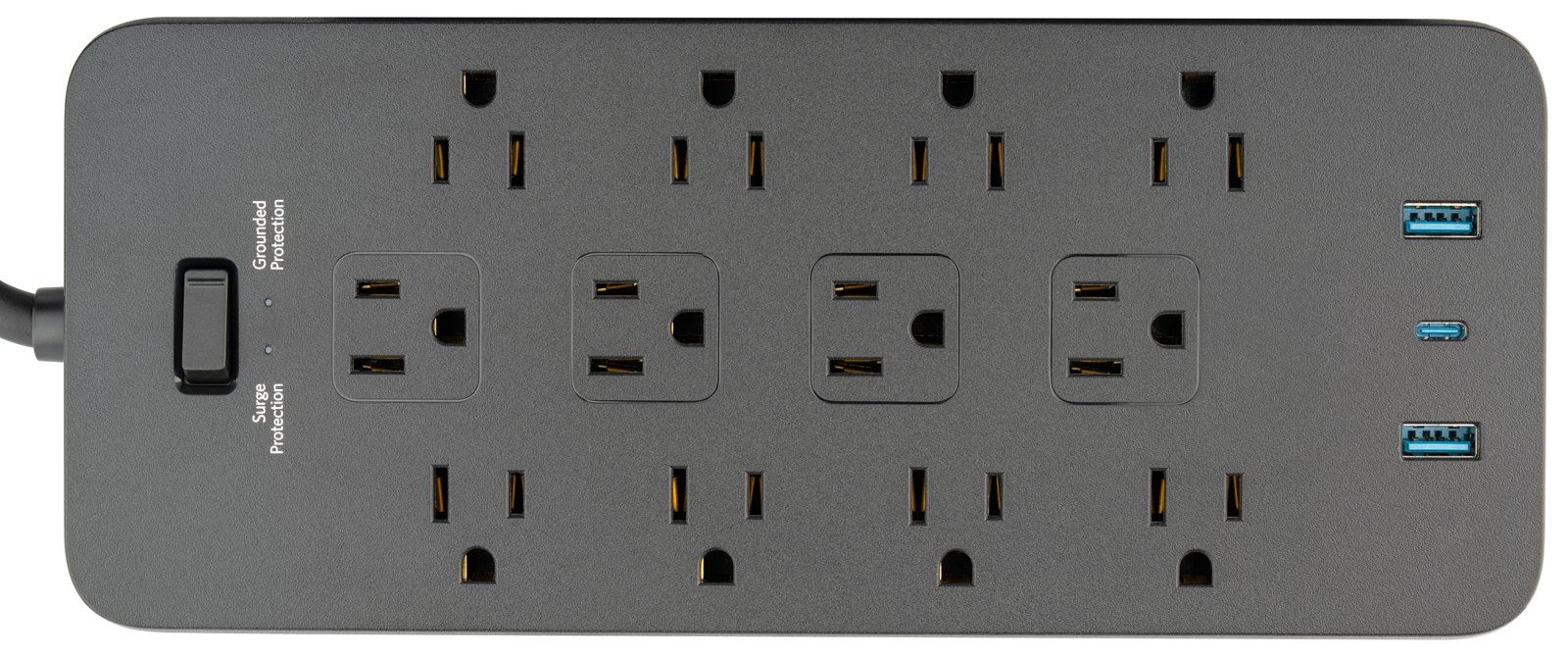
Lightning takes out routers, modems, and the occasional whole-home network. What to unplug, what to keep running, and the $25 surge protector that pays for itself in a single storm.
Read More
Owner-operator finally taking a week off? Test these 4 handoffs first — backup admin, password manager, restore, and the OOO that doesn't help a scammer. Real client scenarios from 17 years of doing this.
Read More
Heading to the beach or out to see the grandkids? A 10-minute Winchester homeowner's checklist for the WiFi, the router, the camera, and what NOT to post on Facebook.
Read More
13 courses in Skits' Classroom you can take in 10 minutes. The complete catalog, how to pick, plus in-person training for groups.
Read More
Your internet probably isn't slow — your WiFi is. Free router fixes, placement tips, and when mesh or business-grade gear is the answer.
Read More
The 5 places your computer hides things, how to find any file in seconds, and the 3-2-1 backup rule so you never lose one again.
Read More
Summer scams are ramping up. 5 practical ways to protect yourself from phishing, fake delivery texts, travel scams, and weak passwords.
Read More
Should you repair or replace your computer, printer, or router? Jerry's honest framework for making the smart call without wasting money.
Read More
Your desk, chair, monitor, and keyboard might be causing more problems than your software. A quick hardware health check you can do in 5 minutes.
Read More
Your router is the backbone of everything you do online. When's the last time you checked on it? Here's what to look for and when to replace it.
Read More
Most printer problems take 5 minutes to fix yourself. Here are 5 things to try before you pick up the phone.
Read More
If your computer died right now — just stopped working, no warning — what would you lose? Here's how to set up a backup that actually works.
Read More
That 'update available' notification isn't nagging you for fun. It's patching holes that hackers already know about.
Read More
SMS-based two-factor authentication is vulnerable to SIM swapping and phishing. Hardware keys, authenticator apps, and passkeys are the new standard.
Read More
Your File Explorer is a digital filing cabinet. Here's how to create folders, name files properly, tame the Downloads folder, and use Quick Access.
Read More
The IRS will never call, text, or email you demanding payment. Here's how to spot fake IRS calls, phishing emails, and refund scams.
Read More
Cybercriminals can clone your boss's voice with just seconds of audio. How AI voice scams work and what verification protocols your business needs.
Read More
Stop the annual scavenger hunt. One folder, five minutes a week, and you'll never scramble for tax documents again.
Read More
Your computer works hard for you every day. Clean the keyboard, dust the vents, run updates, and close those browser tabs.
Read More
There's 'having a backup' and then there's 'actually being protected.' Cloud backup, the two-places rule, and file organization.
Read More
About 80% of slow computer issues don't need a new machine. Six fixes you can try right now.
Read More
If your computer died right now, what would you lose? A beginner-friendly guide to the 3-2-1 backup rule.
Read More
Use a passphrase, get a password manager, enable MFA. 15 minutes to dramatically better security.
Read More
Forget learning to code. These five resolutions will genuinely make your daily tech life less frustrating.
Read More
Slow WiFi costs your business time and money. Router placement, channel optimization, and when to upgrade.
Read MoreYour vendors' security is your security. How to vet suppliers, require MFA, and protect your business from supply chain attacks.
Read More
Most small businesses run equipment until it dies. A refresh plan spreads the cost and avoids emergencies.
Read More
40% of small businesses never reopen after a data disaster. Here's how to build a backup plan that keeps you running.
Read MoreRemote work security has evolved. Zero trust, endpoint detection, VPN best practices, and cloud access management.
Read More