The Question Every Time You Start
Now that you know HOW to start a new document, the next question is: blank page, or template?
Every time you click "New" in Word, you see two kinds of options: Blank document (an empty page) and a bunch of templates (pre-formatted documents like resumes, calendars, invoices). The right pick depends on what you're making.
Blank vs Template at a Glance
Blank Document
Pick this when:
- You're writing a letter, a list, or a journal entry
- You already know how you want it to look
- The document is mostly typed text with simple formatting
- You'd rather not deal with someone else's design choices
Examples: grocery list, letter to family, doctor questions, recipe, story.
Template
Pick this when:
- You're making something with a standard format (resume, cover letter, calendar, invoice)
- You want it to look polished without spending an hour on layout
- You'd rather replace text in a designed document than build the design yourself
Examples: resume, cover letter, flyer, monthly calendar, business invoice, holiday card.
Here's what each one actually looks like on screen:
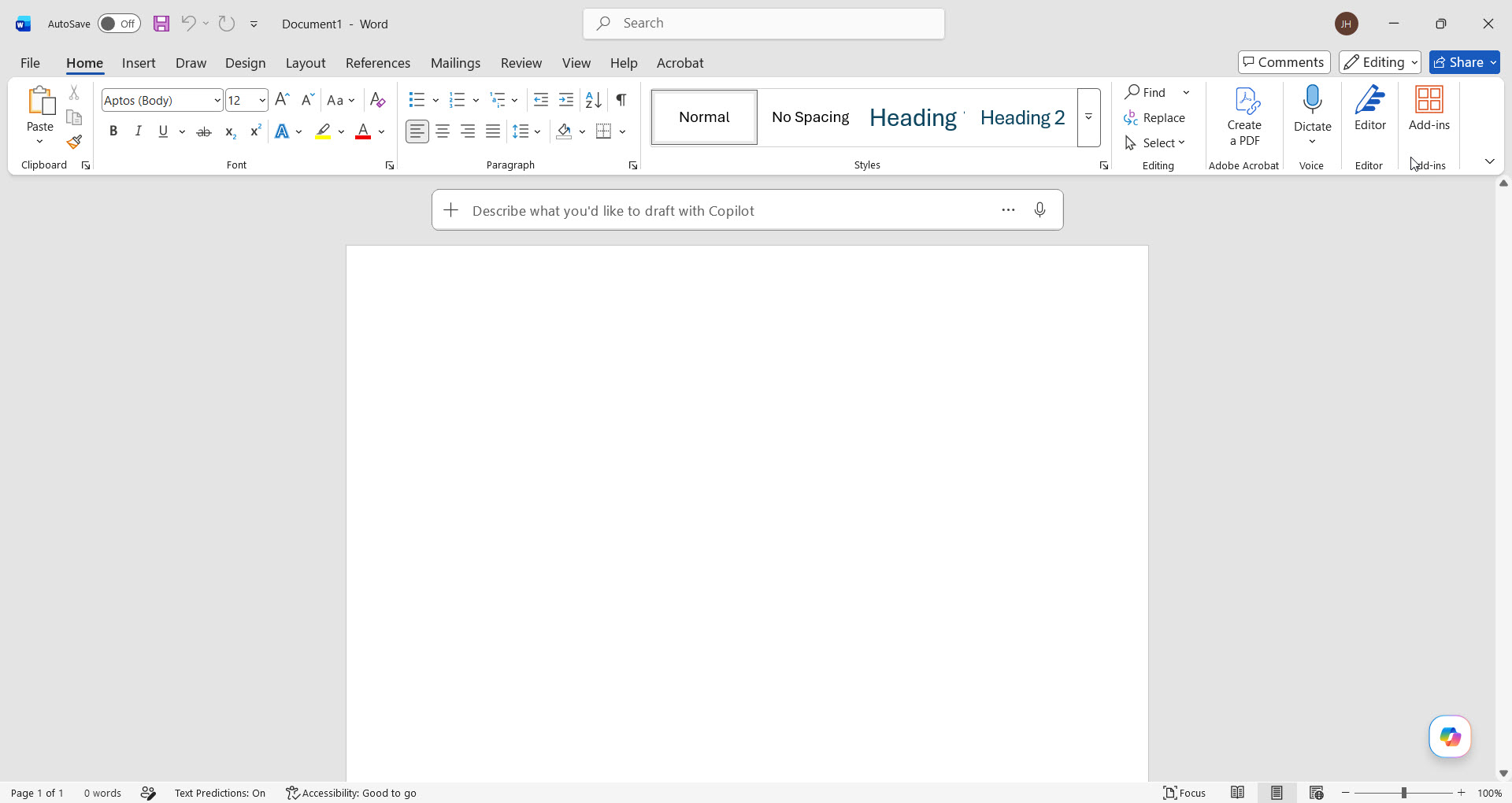 Blank document — nothing to fight, write what you want.
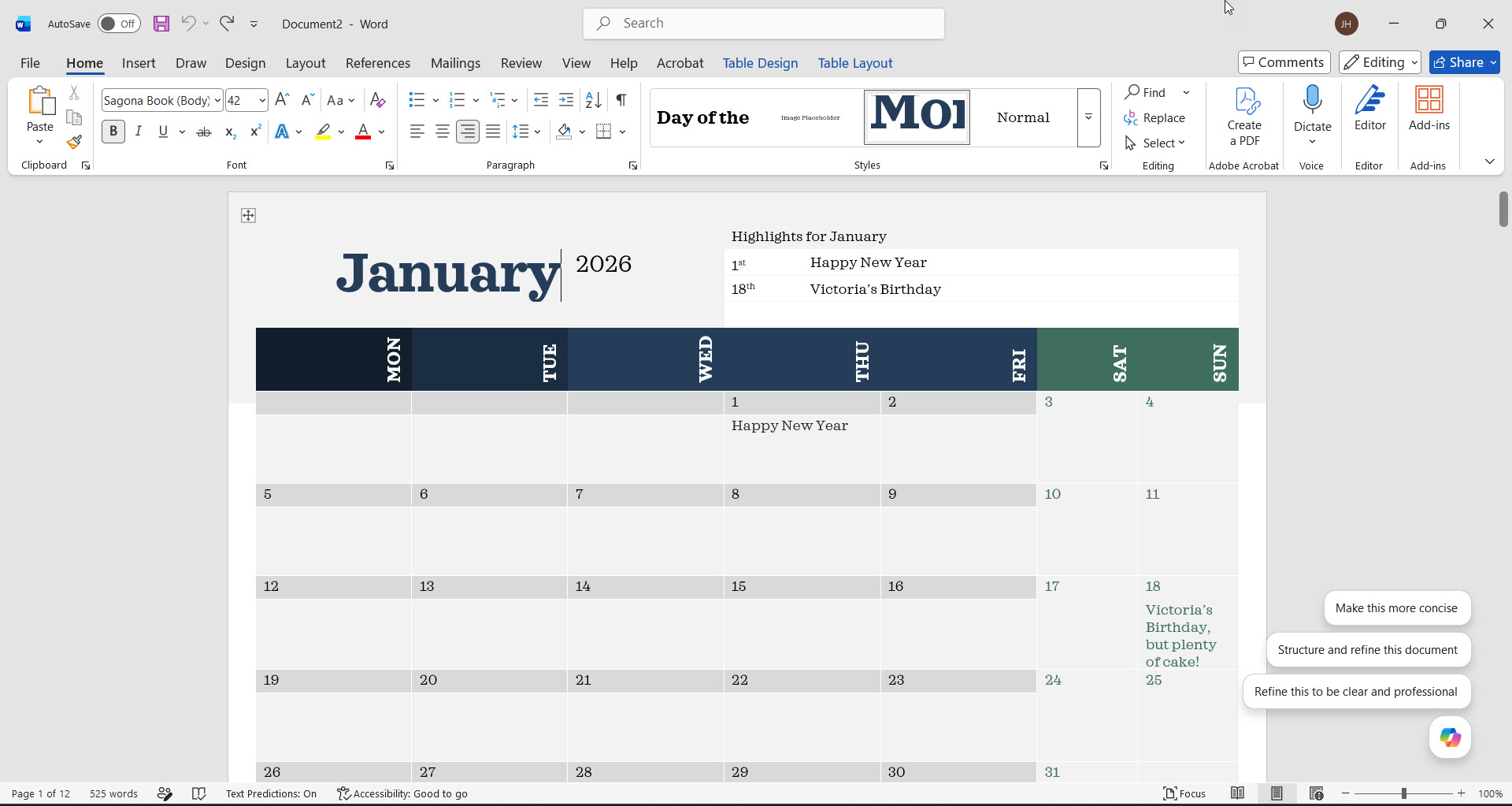 Template — layout is already done, you just swap in your text.
Where to Find Templates
You don't need to download templates from anywhere — Word has hundreds built in, all free.
- 1Open Word (or if Word is already open, click File > New).
- 2You'll see a row of featured templates at the top of the Home screen: Blank, Resume, Cover Letter, Calendar, and a few more.
- 3For more templates, use the search box at the top (try typing "invoice," "flyer," "newsletter," "letterhead," etc.) or click "More templates" to browse categories.
- 4Click a template you like — you'll see a preview. Click Create to open it as a new editable document.
- 5Replace the placeholder text with your own — click on any text in the template and start typing.
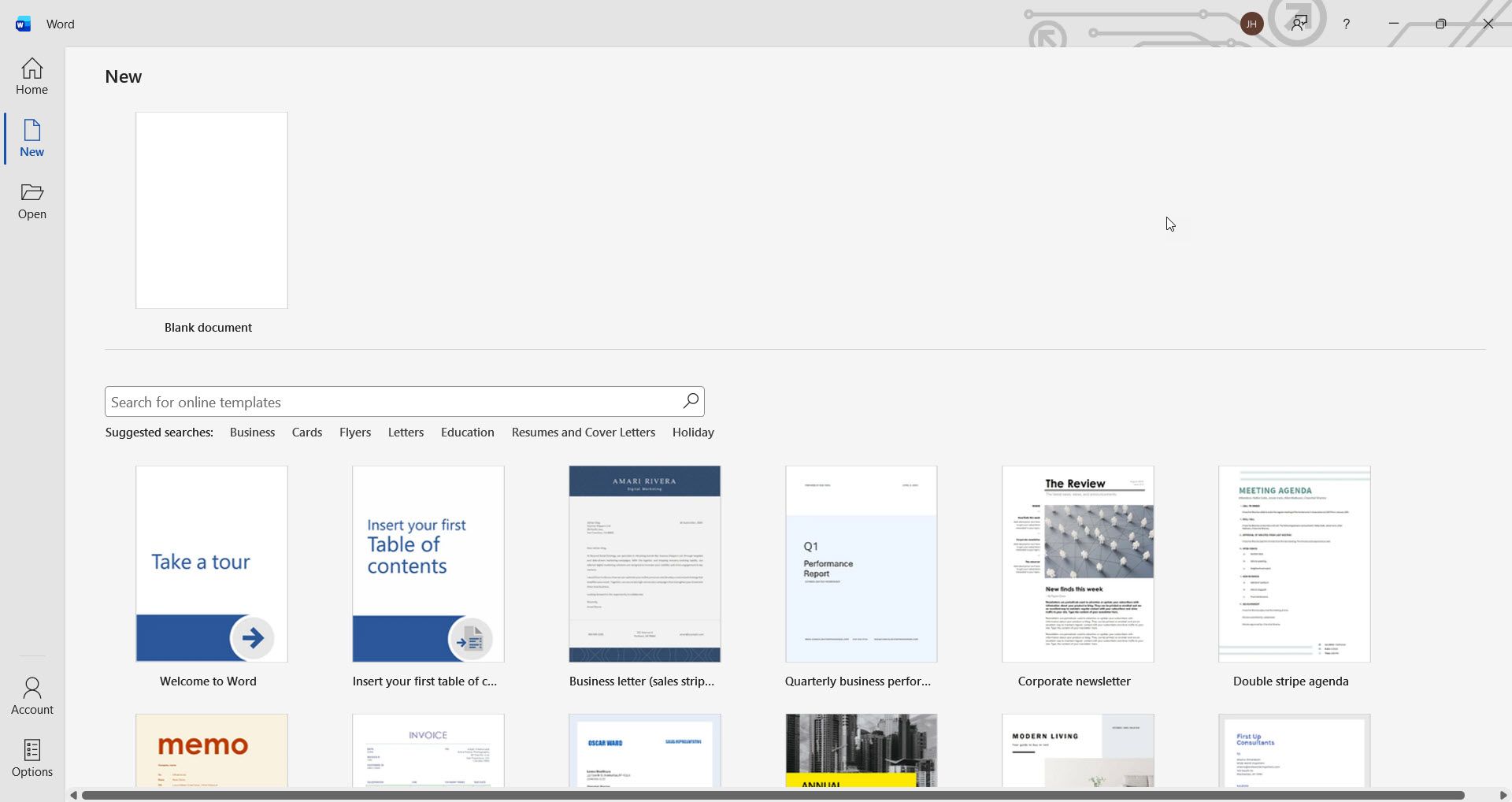 Word's built-in template gallery — search at the top or browse the thumbnails.
Templates People Use Most
If you're not sure what's even available, here are the ones I see used most often:
- Resume — dozens of styles. Pick one, swap in your info.
- Cover Letter — usually pairs with a matching resume style.
- Calendar — monthly, yearly, or weekly layouts. Great for events or appointments.
- Invoice — if you do any freelance work or sell anything.
- Flyer — yard sales, lost dog, church event, community meeting.
- Newsletter — family update, club newsletter, neighborhood watch.
- Greeting card / holiday card — foldable, with art included.
- Meeting agenda / minutes — if you organize anything.

One thing about templates
You're not locked in. After you open a template, you can change anything in it — the colors, the layout, the text, the pictures. Treat the template as a starting point, not a contract.
A Quick Question
Curious what folks use Word for most. No right or wrong answer — just helps me know who I'm teaching.
What do you make in Word most often?
That's the whole picture.
Blank for writing in your own format. Template for when you want something polished without doing the layout work yourself. And no matter which one you pick, you can always change anything inside the document — nothing is locked in.
One more chapter — a quick recap, two real-world knowledge checks, and your certificate. Click "Summary & Certificate" below to wrap it up.
Templates are a small time-saver. The bigger one is a computer that does not fight you all morning — which is most of what IT support in Winchester quietly buys you.