Tech tips, security alerts, and plain-English advice from Skits and Jerry.

Hey there, I'm Skits! Welcome to the blog. Jerry and I write about the stuff that actually matters to folks in Winchester — how to keep your computer running, protect your data, spot scams, and make sense of all the tech jargon. No fluff, no corporate-speak. Just honest advice from your neighbors.

Should you repair or replace your computer, printer, or router? Jerry's honest framework for making the smart call without wasting money.
Read More →
Your desk, chair, monitor, and keyboard might be causing more problems than your software. A quick hardware health check you can do in 5 minutes.
Read More →
Your router is the backbone of everything you do online. When's the last time you checked on it? Here's what to look for and when to replace it.
Read More →
Most printer problems take 5 minutes to fix yourself. Here are 5 things to try before you pick up the phone.
Read More →
If your computer died right now — just stopped working, no warning — what would you lose? Here's how to set up a backup that actually works.
Read More →
That 'update available' notification isn't nagging you for fun. It's patching holes that hackers already know about.
Read More →
SMS-based two-factor authentication is vulnerable to SIM swapping and phishing. Hardware keys, authenticator apps, and passkeys are the new standard.
Read More →
Your File Explorer is a digital filing cabinet. Here's how to create folders, name files properly, tame the Downloads folder, and use Quick Access.
Read More →
The IRS will never call, text, or email you demanding payment. Here's how to spot fake IRS calls, phishing emails, and refund scams.
Read More →
Cybercriminals can clone your boss's voice with just seconds of audio. How AI voice scams work and what verification protocols your business needs.
Read More →
Stop the annual scavenger hunt. One folder, five minutes a week, and you'll never scramble for tax documents again.
Read More →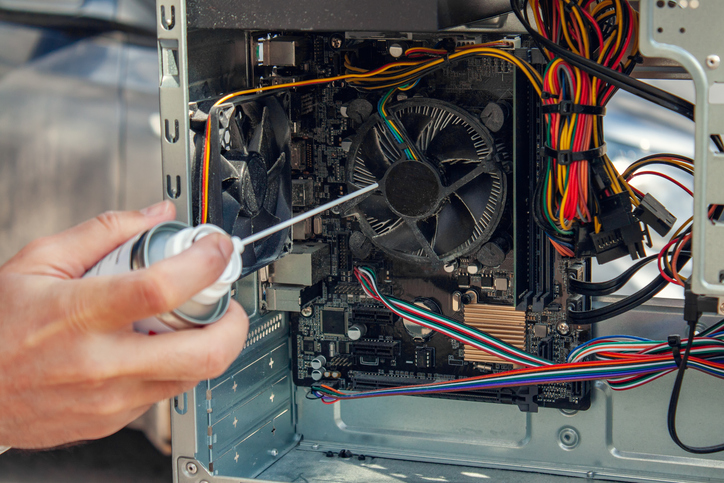
Your computer works hard for you every day. Clean the keyboard, dust the vents, run updates, and close those browser tabs.
Read More →
There's 'having a backup' and then there's 'actually being protected.' Cloud backup, the two-places rule, and file organization.
Read More →
About 80% of slow computer issues don't need a new machine. Six fixes you can try right now.
Read More →
If your computer died right now, what would you lose? A beginner-friendly guide to the 3-2-1 backup rule.
Read More →
Use a passphrase, get a password manager, enable MFA. 15 minutes to dramatically better security.
Read More →
Forget learning to code. These five resolutions will genuinely make your daily tech life less frustrating.
Read More →
Slow WiFi costs your business time and money. Router placement, channel optimization, and when to upgrade.
Read More →
Your vendors' security is your security. How to vet suppliers, require MFA, and protect your business from supply chain attacks.
Read More →
Most small businesses run equipment until it dies. A refresh plan spreads the cost and avoids emergencies.
Read More →
40% of small businesses never reopen after a data disaster. Here's how to build a backup plan that keeps you running.
Read More →
Remote work security has evolved. Zero trust, endpoint detection, VPN best practices, and cloud access management.
Read More →