 August is the season everybody gets organized — backpacks, supply lists, fresh folders for the school year. So this month Skits is helping you carry that same energy onto your computer. Over four Sundays we'll clear the clutter, build a folder system that actually sticks, find any file in seconds, and turn on automatic backup — for home and business alike. One small step a week. Let's get your digital life in order. This Month, One Sunday at a TimeWk 1 (Aug 2) — From Inbox to Hard Drive You cleaned out the inbox in July. Now we use the very same trick on your computer — keep, file, toss. |
Wk 2 (Aug 9) — Build Your Documents Directory A folder system organized by type, with ready-to-copy templates for home, office, and non-profit. |
Wk 3 (Aug 16) — Find Any File in Seconds Name files like a human, use the search box you already have, and rescue the ones you thought were lost. |
Wk 4 (Aug 23) — Turn On Folder Backup Whatever cloud you already use, you can switch on automatic backup. We show you how — and you stay in control. |
From Jerry I'll tell you the thing that finally got me to organize my own files: I stopped trying to build the perfect system. For years I thought "organized" meant some elaborate setup with rules for everything. It doesn't. It just means every kind of thing has a home — photos here, taxes there, one folder per client — so you're not hunting every time you need something. That's it. A regular person can keep that up. The fancy version, nobody keeps up. This month is built around that idea. We start small and stack one easy win on the next. By the end you'll have a tidy computer and an automatic backup running quietly in the background, and you won't be thinking about any of it. That's the goal — not impressive, just calm. If you'd rather not do it alone, that's what we're here for. Give me a ring and we'll get it sorted together. — Jerry | | |
Skits' Tip of the Month Name it the moment you save it.
The single habit that changes everything: when you save a file, take five seconds to give it a name you'd actually search for later. "Eye Doctor Results - August 2026.pdf" beats "Scan0023.pdf" every time. Do this from now on and you'll never hunt again — the old files catch up as you touch them. You don't have to fix the whole past, just stop adding to the pile. | | |
Quick Win Tame the Downloads folder.
Open your Downloads folder, click the "Date" column to sort, and clear out the installers and duplicates you've already used. It's the fastest five-minute win in the whole cleanup. | | |
Scam Alert Back-to-school heads-up: a big education platform many schools use just had a data breach, exposing student and staff records. Not a reason to panic — a reason to do three easy things. Don't reuse the same password across school logins. Turn on two-step verification where your school offers it. And be skeptical of "school" emails that rush you to click or pay — real schools don't hurry you. Pass this along to a parent or grandparent who'd want the heads-up. |
Free Microcourses to Go With ItFile Explorer →
Find and organize your files at your own pace, with pictures. The perfect companion to this month's project. Backing Up Your Data →
Get a real backup plan in place — plain English, about 10 minutes. Upgrade vs. Repair →
Organizing made you look at that aging computer? Know whether it's worth fixing or replacing before you spend a dime. This Month We Can Help With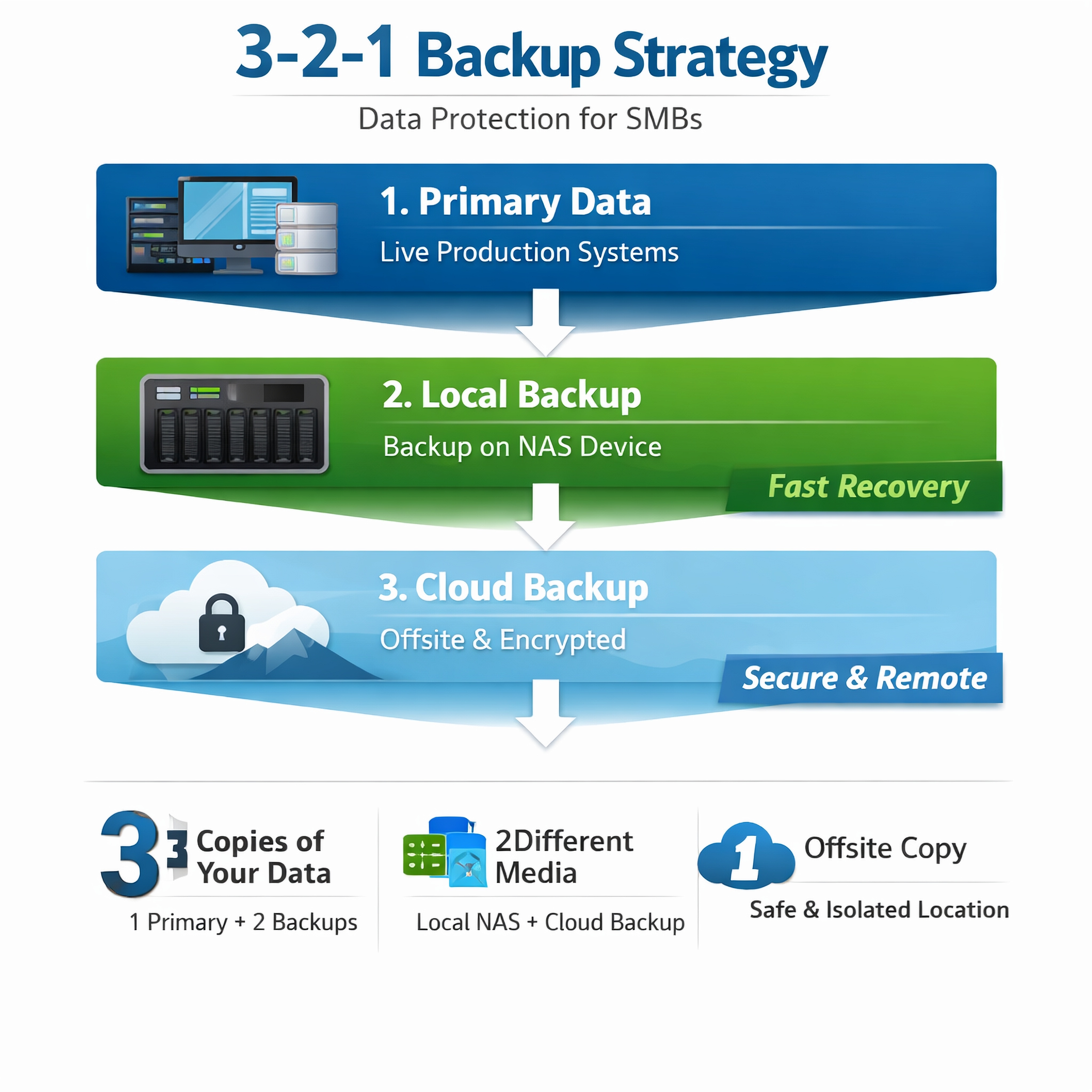 This month's spotlight: Backup setup.
You've organized everything — let's make sure it's safe. We help Winchester and Frederick County folks turn on automatic cloud backup so there's a real plan in place, and you stay in control of your own files. • Set up LiveDrive cloud backup (about $59/year) so your key folders copy themselves, automatically, in the background.
• Switch on Desktop/Documents/Pictures backup in the cloud account you already have — OneDrive, Google Drive, or iCloud.
• A friendly walkthrough so you understand what's running and how to check it — no mystery. Here's a thing we do, and who it fits: anyone who'd sleep a little better knowing a copy of their files lives somewhere safe. Call Jerry at 540.303.2410. Around Winchester• First Friday in Old Town — Aug 7, 5-10pm. Live music, shops open late, the Walking Mall full of neighbors.
• National Senior Citizens Day — Aug 21. A nice nudge to gather those family photos into one place (see Skits' tip!).
• Memories at the MSV: Miniatures — Aug 20, 10-11am. A free, welcoming program for folks living with memory loss and their care partners. Follow Skits on FacebookSkits posts little tips, local moments, and the occasional friendly nudge all month long. Come say hi → facebook.com/sharedknowledgets Two Easy Ways to Get a HandTwo easy ways to get a hand:
• Chat with Skits anytime in his office
• Call Jerry at 540.303.2410 — in person or remotely, we'll get it sorted together. |
