 This summer we got organized together — the inbox in July, the files in August. This month we finish the job: making sure you can't lose any of it. Four Sunday posts on backup and protection, in plain English, no fear required. Here's the lineup. This Month, One Sunday at a TimeSep 6 — Your Cloud Isn't a Backup "My files are in OneDrive, so I'm covered" — the most common mix-up out there. The plain difference between sync and backup, plus the hidden "undo" button your cloud already has. |
Sep 13 — What Happens the Day the Computer Dies Not "do you have a backup" — how long are you closed while you use it. Four honest questions any small business should be able to answer out loud, and the five unglamorous things that turn a closed week into a slow morning. |
Sep 20 — Protecting the Irreplaceable Some files you can re-download. Some exist in exactly one place. How to find your "can't lose these" list — and the phone-photo trap that catches everybody. |
Sep 27 — When Disaster Strikes The calm walkthrough for a deleted file, a dead drive, or a ransomware screen. What to do first, and the one rule that saves your odds. |
From Jerry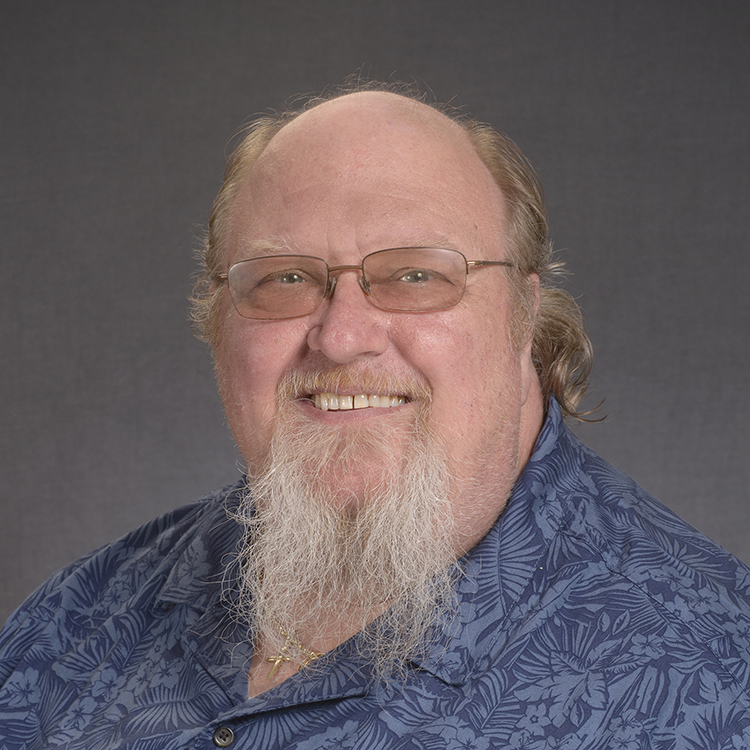 There's one question I ask that tells me everything about whether someone's really protected: if your computer died tonight, could you get your files back tomorrow? Most people pause. Then they say "well, it's all in the cloud, so... probably?" And that "probably" is the whole reason for this month. Because having your files sync to OneDrive or Google Drive is genuinely useful — but it's not the same as having a backup you can fall back on. I've sat with too many good folks who found out the hard way, usually on the worst possible day. Here's the good news, and I mean it: getting actually covered is not complicated and it's not expensive. A copy in the cloud, a copy on a drive in your drawer, and a few minutes to set it up right. That's most of it. You stay in control of your own files the whole way — I'm just here to help you get the plan in place. So this month, do future-you a favor. Read along, take the ten-minute course, or pick up the phone. Whatever gets you from "probably" to "yes." — Jerry | | |
Skits' Tip of the Month The whole pro secret fits on a sticky note. It's called 3-2-1: THREE copies of anything you'd hate to lose, TWO different kinds of storage, ONE copy kept somewhere else entirely. Your cloud counts as one. Add a drive in a drawer and you've passed most people. Stick it on the fridge — done is better than perfect. | | |
Quick Win Turn on two-step verification for your email this week. Two minutes. It means even if someone steals your password, they still can't get in. The closest thing to a free lock there is. | | |
Scam Alert Heads-up, not a scare: a ransomware group has been in the news for breaking into hundreds of organizations — mostly through routers and firewalls nobody had updated. The defense is the boring stuff that works: keep your computer AND your router updated, turn on two-step verification, and keep one backup that's disconnected (a drive ransomware can't reach). If you ever see a "your files are locked" message, disconnect from the internet, don't pay anything in a panic, and call someone who does this. Calm beats fast. |
Free Microcourses to Go With ItBacking Up Your Data →
"The 10 minutes that turn 'I should back up' into 'it's done.' Get a real plan in place, click by click." Cyber Insurance: Do I Need It? →
"If the worst happens, what actually gets covered — and what doesn't. Plain English for small business owners." Saving Your Work in Word →
"The most important skill in computing: not losing your work. Save, Save As, and where the file actually goes." This Month We Can Help With A thing we do: get your backup and protection set up right, once. • Automatic cloud backup with LiveDrive — $59/year. Set it and forget it; you stay in control of your own files.
• Managed antivirus quietly keeping watch — $59/year.
• Want it all handled so you're not the one remembering to check? Our $35/month support plan ties it together. We'll match the plan to how you actually use your computer — at home or at the office — and we're here if you ever need a hand keeping it running. In person or remotely, serving Winchester and Frederick County. Around Winchester• National Grandparents Day (Sep 13) — a perfect afternoon to scroll old photos with the grandkids (and quietly note which ones you'd never want to lose).
• "Gateways: African American Art from the Key Collection" opens at the Museum of the Shenandoah Valley on Sep 25, up through mid-January — a lovely reason to wander through one of our local treasures.
• First Day of Fall (Sep 22) — sweaters down, soup on, windows cracked at night. Welcome back, cozy season. Follow Skits on FacebookSkits posts plain-English tech tips, scam heads-ups, and local Winchester moments all week long. Come say hi → facebook.com/sharedknowledgets Two Easy Ways to Get a HandTwo easy ways to get unstuck:
• Chat with Skits any time (his office is open 24/7)
• Or call Jerry, a real neighbor → 540.303.2410 |
